
The most useful app for most Mercedes owners is the official Mercedes me app, which can show vehicle status, locate the car and, on supported models, lock, unlock or pre-condition it remotely. Around it, many owners use Apple CarPlay or Android Auto for navigation and music, a charging app if they drive an electric model, and sometimes an OBD diagnostic app for basic fault reading. What works in the UAE depends on your car’s age, equipment and regional service availability.
In this guide
- Mercedes me: the official app
- Phone mirroring: Apple CarPlay and Android Auto
- Apps for electric and plug-in hybrid models
- Diagnostic apps and OBD readers
- Apps that help with ownership admin
- Keeping MBUX and the apps in sync
- Privacy and security tips
- What older Mercedes models can use
- Frequently asked questions
Mercedes me: the official app
Mercedes me connects your phone to the car through its built-in communication module. Features vary by model, model year and market, but commonly include:
- Vehicle status: fuel or charge level, range, tyre pressures, door and window status.
- Remote functions: locking and unlocking, and on some cars remote start of climate control.
- Location: finding where the car is parked, useful in large malls and airports.
- Service: viewing upcoming maintenance and booking an appointment where the dealer supports it.
- Navigation: sending destinations from the phone to the car.
To activate it, you create a Mercedes me ID, add the car with its VIN and confirm ownership through the process the app shows. Some services may need a dealer to activate them in the UAE.
Pre-cool the cabin before you get in
If your car supports remote climate control, starting it a few minutes before you leave a mall or office in summer makes a real difference. Check that the feature is supported on your model and region, and follow local rules on idling.
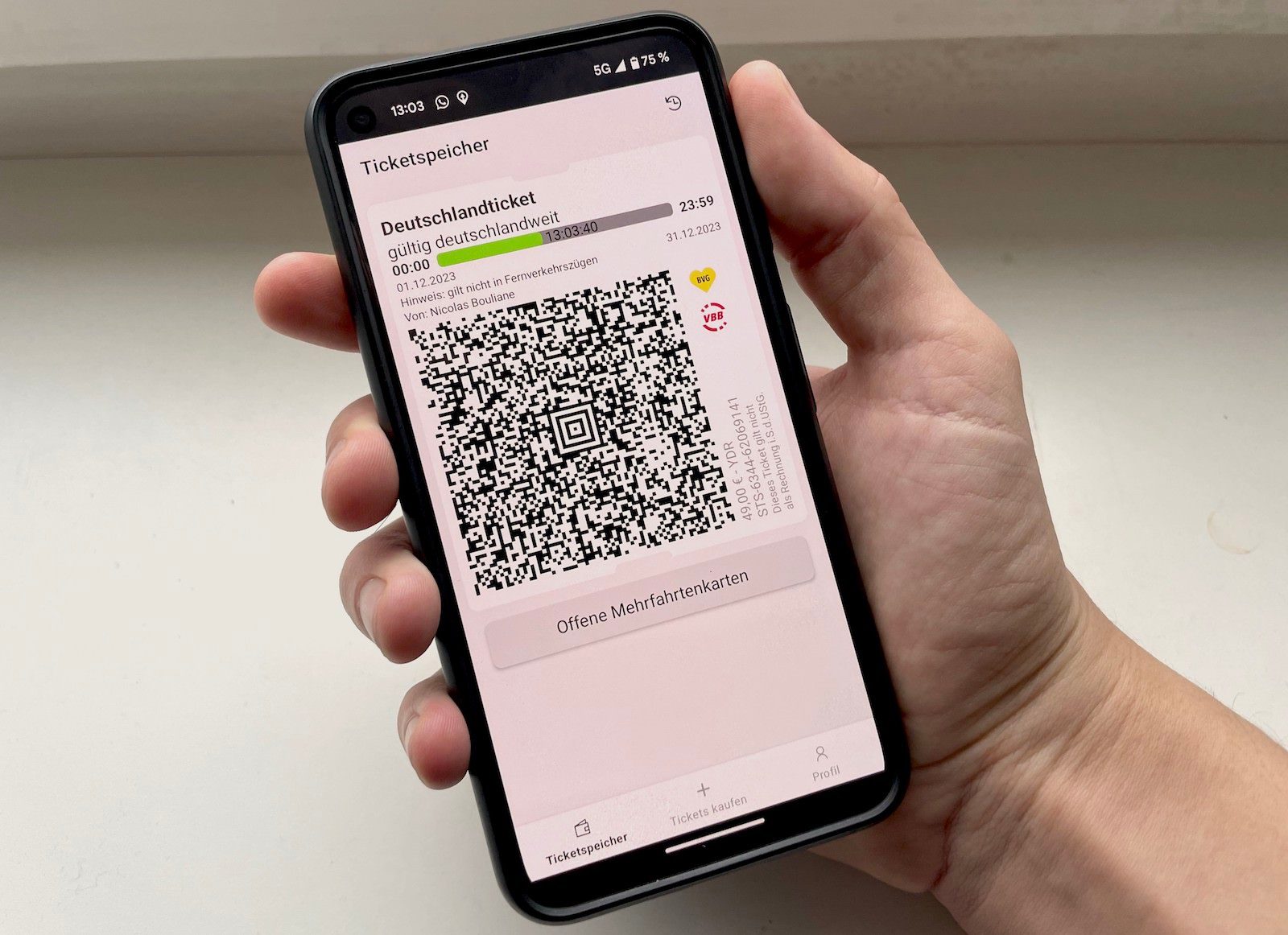
Phone mirroring: Apple CarPlay and Android Auto
Most Mercedes models from the last several years support Apple CarPlay and Android Auto, some wirelessly. They let you use familiar apps on the car’s screen:
| Use | Popular options | Notes |
|---|---|---|
| Navigation | Google Maps, Apple Maps, Waze | Live traffic helps in rush hour on Sheikh Zayed Road and other busy routes |
| Music and podcasts | Spotify, Apple Music, Anghami | Streaming uses mobile data |
| Messaging | WhatsApp, Messages | Use voice controls; handheld phone use while driving is prohibited in the UAE |
| Parking | Official parking apps of each emirate | Pay and extend parking without walking back to a meter |
If CarPlay or Android Auto drops out, try a different certified USB cable, check for MBUX software updates and make sure the feature is enabled in the car’s settings.
Apps for electric and plug-in hybrid models
EQ models and plug-in hybrids benefit from charging apps. Mercedes offers charging services through its own app ecosystem in many markets, but in the UAE most owners rely on the official apps of local charging networks. In Dubai, DEWA operates the EV Green Charger network, and other emirates and operators have their own networks. Check:
- Where chargers are located on your regular routes.
- How you pay and whether you need an account or card.
- The charging speed available at each location.
- Whether the charger is working before you set off, using the app’s status feature.
Diagnostic apps and OBD readers
A Bluetooth OBD reader paired with a phone app can read basic fault codes and live data. Some apps are designed specifically for Mercedes and claim access to more modules. They can be helpful to understand a warning light before visiting a workshop.
Use diagnostic apps with care
Reading codes is low risk. Coding, clearing adaptations or changing settings with third-party apps can cause faults, affect warranty or disable safety systems. Leave programming to a dealer or qualified specialist, especially on cars with driver assistance systems.
A common use is to read a code such as an oil pressure or sensor fault and then research it. Our article on fault code P06DA00 shows how a single code can have several possible causes, which is why a full diagnosis still matters.
Apps that help with ownership admin
Owning a car in the UAE involves registration, fines, insurance and parking. Official government apps handle many of these tasks, such as the RTA app in Dubai and similar services in other emirates. Useful functions typically include:
- Renewing vehicle registration and checking its status.
- Viewing and paying traffic fines.
- Paying for parking and Salik or other road tolls.
- Booking vehicle testing where needed.
Keeping these in one folder on your phone saves time, especially if you own more than one vehicle.
Keeping MBUX and the apps in sync
Many app problems are really software mismatches. When the phone’s operating system updates, older car software can lose features such as wireless CarPlay until the car is updated too. Ask about MBUX updates at each service, keep the Mercedes me app updated on your phone, and if a feature stops working after a phone update, try removing and re-pairing the phone in the car’s settings before assuming there is a hardware fault.
Privacy and security tips
Connected car apps carry personal data, including location history. A few habits help keep it safe:
- Use a strong, unique password for your Mercedes me ID and enable any extra verification offered.
- Remove your account from the car before you sell it, and ask the dealer to reset connected services.
- When buying a used car, make sure the previous owner’s account has been disconnected.
- Review which features share location data and switch off those you do not need.
- Install OBD readers only from reputable brands and unplug them when not in use.
A connected Mercedes is only as secure as the accounts linked to it, so treat the app login like a car key.
What older Mercedes models can use
Cars built before connected services became common may not support Mercedes me remote features. You can still use an OBD reader for basic diagnostics, an aftermarket phone holder for navigation, and in some cases retrofit kits for phone mirroring. Check retrofit quality carefully, since poor installations can cause electrical faults. Our Mercedes VIN guide helps you confirm your car’s model year and equipment, and the Model Line Finder shows where your model sits in the range.
Frequently asked questions
Is the Mercedes me app free?
The app itself is free to download. Some connected services are included for a period with new cars, while others may need activation or a package. Ask your dealer what applies to your car.
Why does my car not appear in Mercedes me?
It may not support connected services, or the services may need activation by a dealer in the UAE. Check that you entered the VIN correctly.
Can I use Waze on my Mercedes screen?
Yes, through Apple CarPlay or Android Auto on supported models.
Are OBD apps safe for my car?
Reading fault codes is generally safe. Avoid coding or changing settings unless you know exactly what you are doing.
Sources: Mercedes-Benz, Roads and Transport Authority Dubai, Dubai Electricity and Water Authority
Cover photo: Santeri Viinamäki, CC BY-SA 4.0. Last reviewed: 2026-11-26.